Path of Exile 2: Build Planner Export (Early Prototype)
You can now export any Path of Exile 2 character as a Build Planner file straight from poe.ninja. Path of Exile 2 reads .build files from Documents/My Games/Path of Exile 2/BuildPlanner, and poe.ninja can now generate one from a character so you can open the build in game and follow its passive tree and skills.
New to Build Planner?
Build Planner is Path of Exile 2’s built-in build sharing format. If you have not used it before, GGG’s introduction is a good place to start.
How It Works
Open a character and find the Build Planner button next to the Path of Building export.
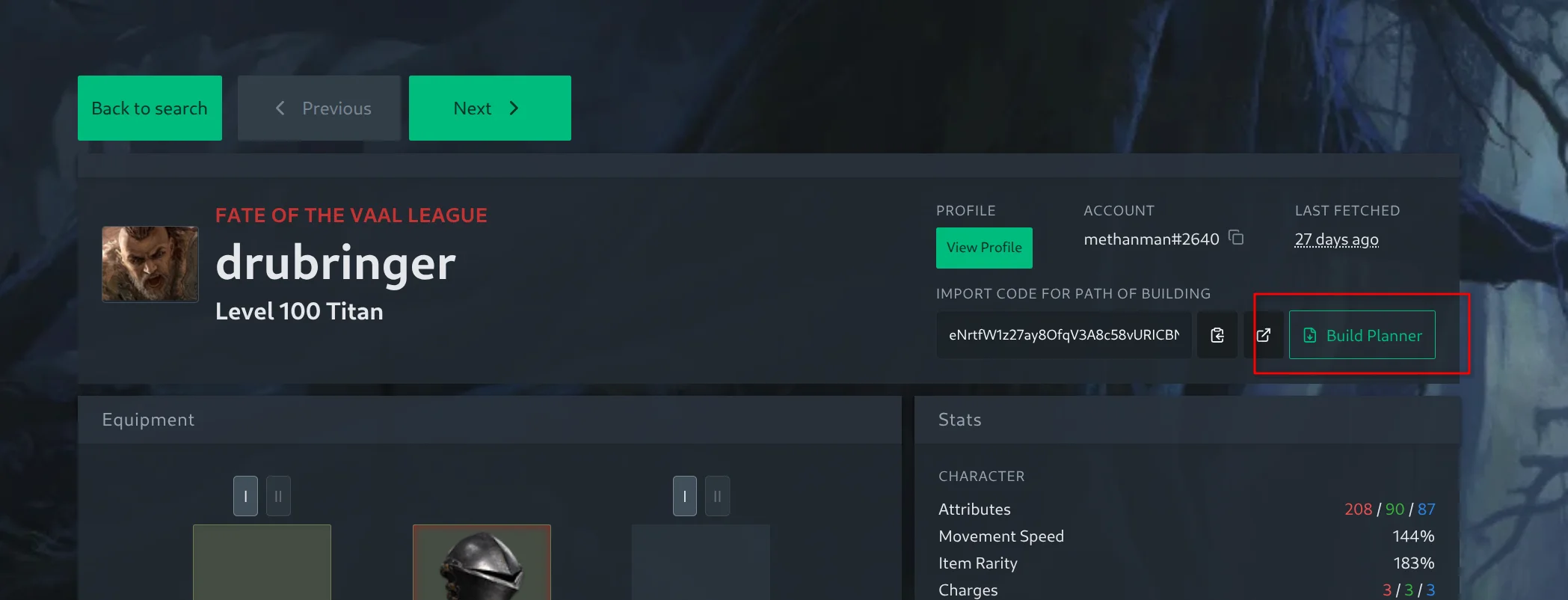
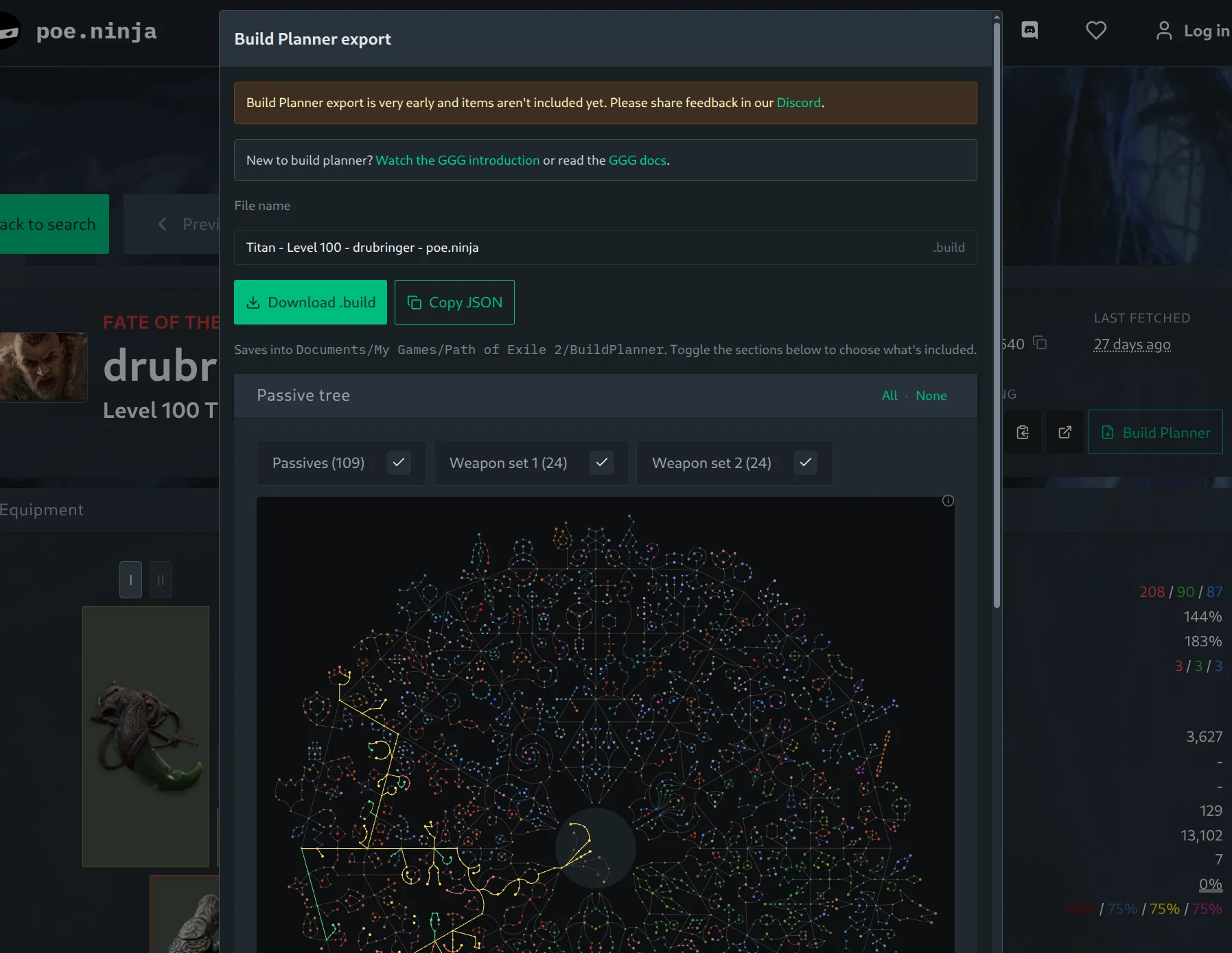
It opens a dialog that builds the file from the character. Give it a file name (it defaults to the ascendancy, level and character name), then download the .build file into your BuildPlanner folder, or copy the JSON to share it.
Choosing What to Include
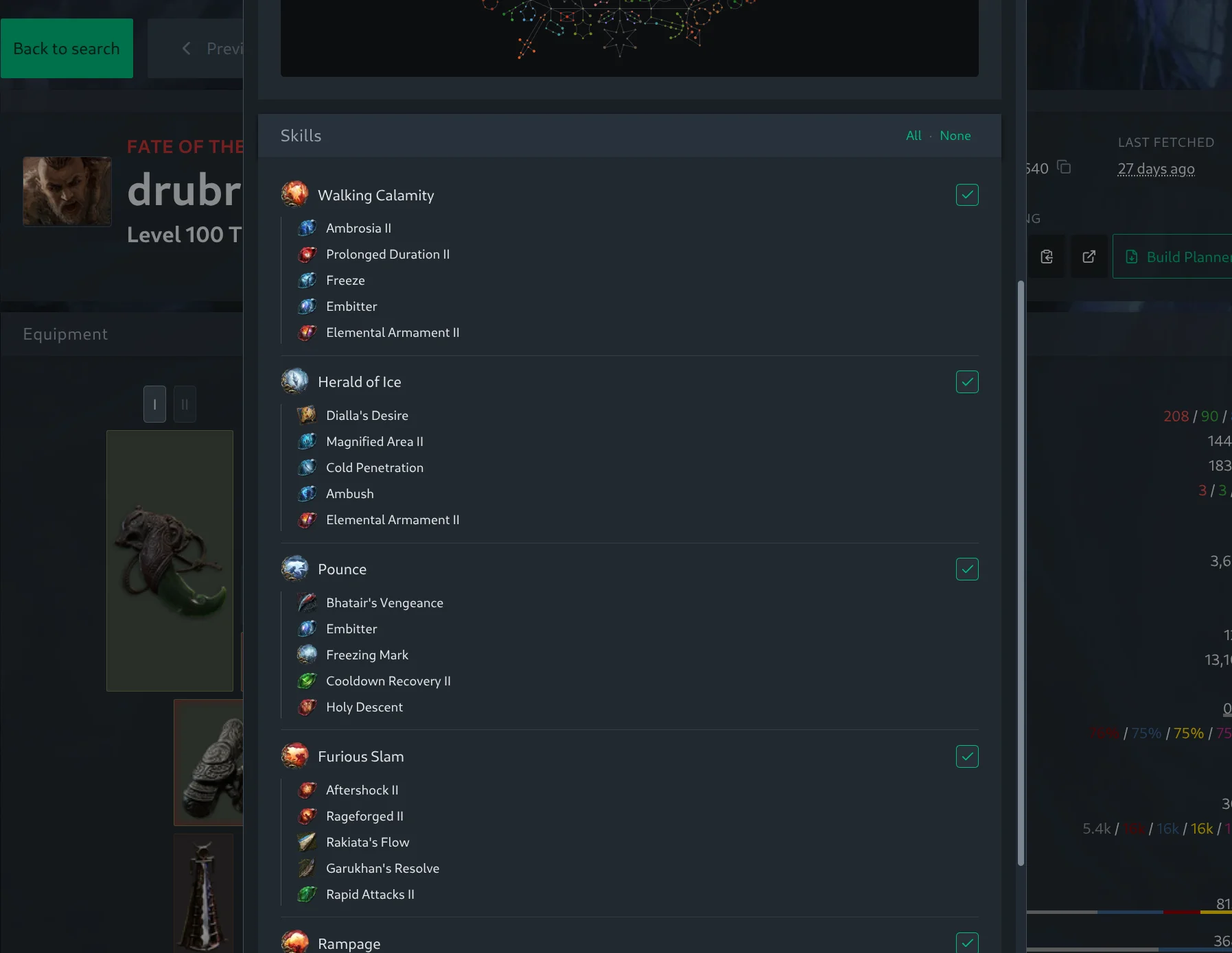
The dialog has a toggleable section for each part of the build. The passive tree section shows the rendered tree with separate toggles for your main passives and each weapon set, so you can include only what is relevant. The skills section lists each skill gem with its supports and a toggle per skill, so you can drop the ones you do not want to share. The All and None controls include or clear a whole section at once.
What’s Next
Items are next, along with more of the build. Feedback is welcome on our Discord.
Browse builds to try it out.